Year 1 to Year 13
AI Programme
Students learn how AI works by training models and building with them.
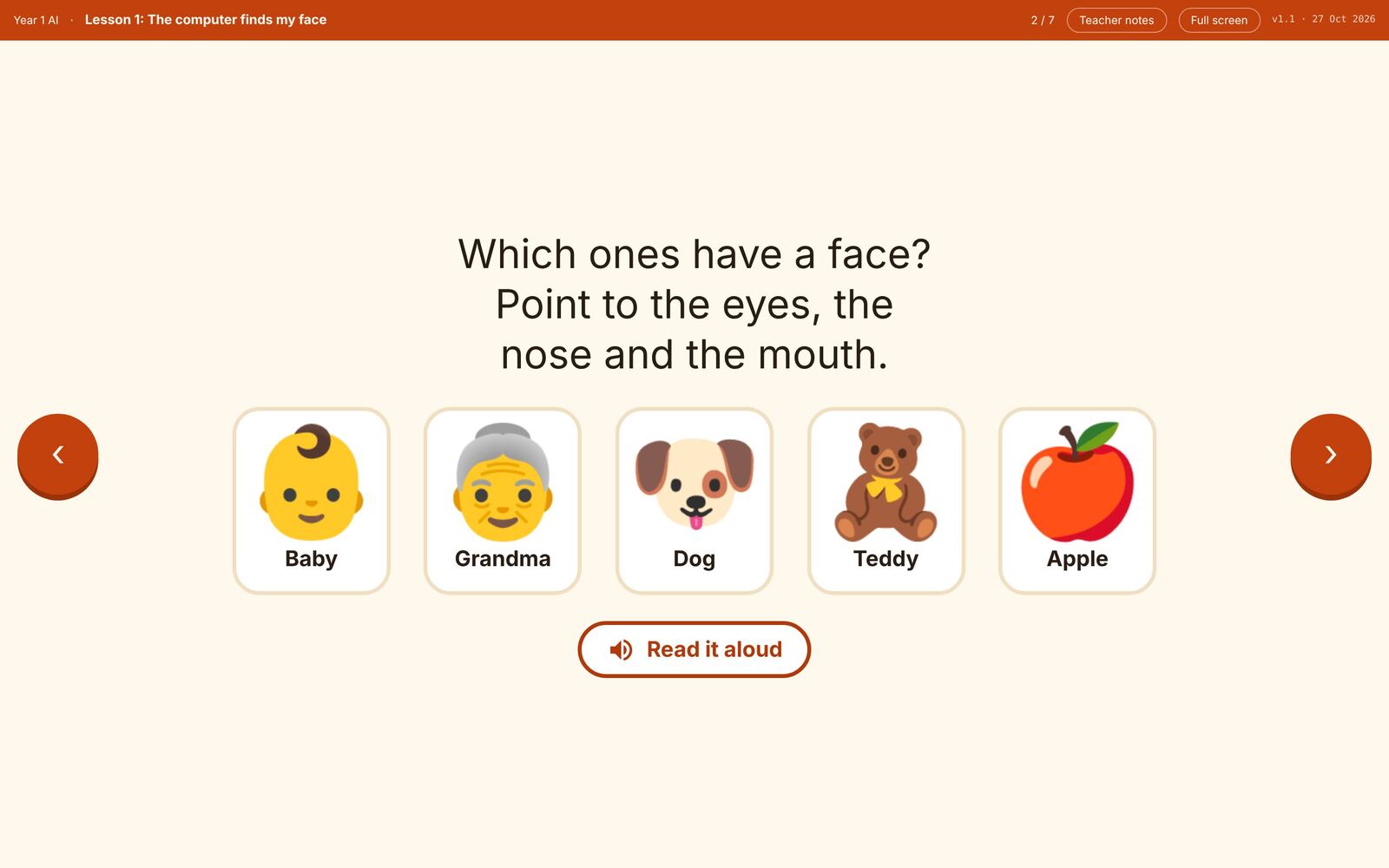
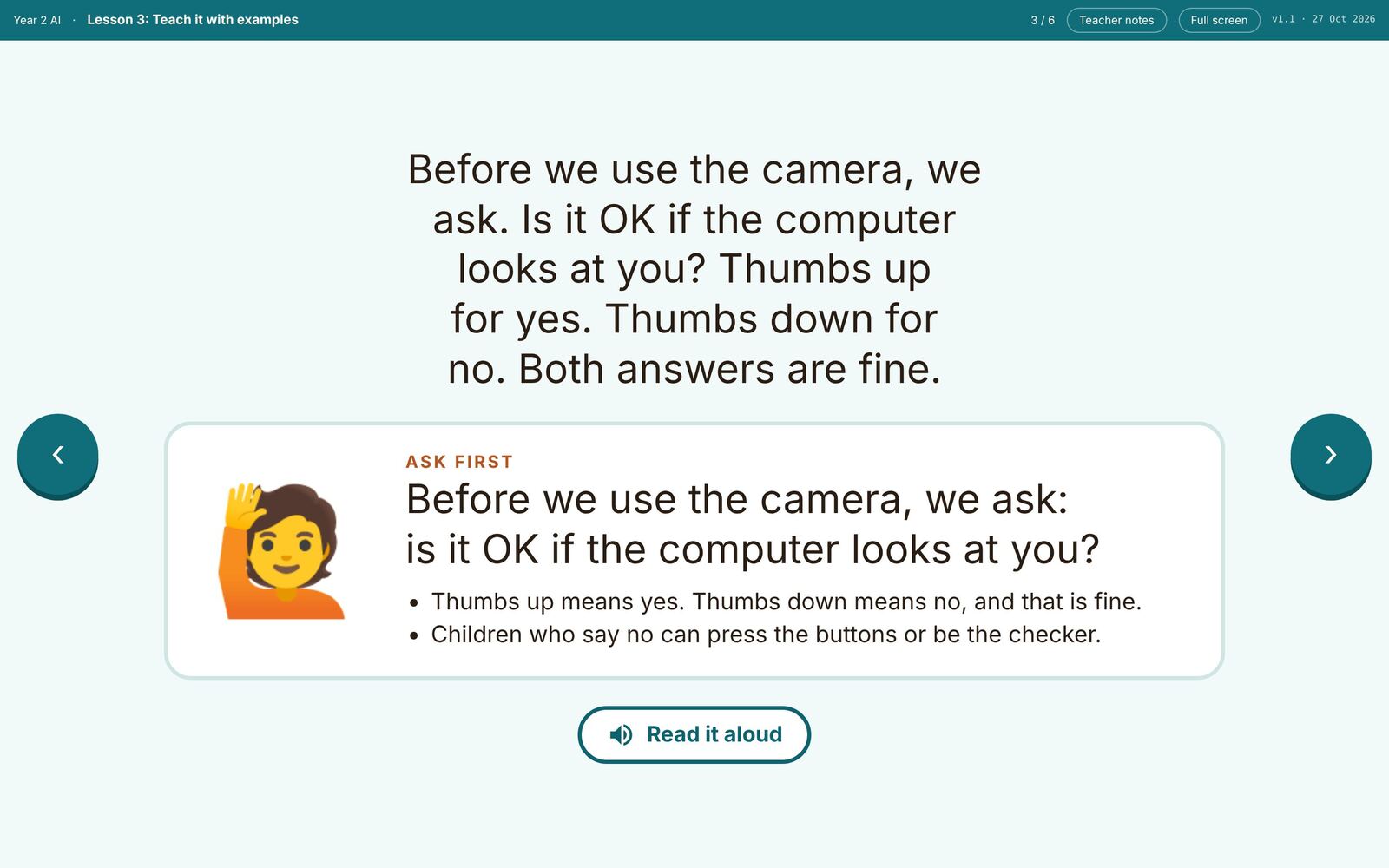
Years 1 and 2
Taught from the board.
58 lessons for the classroom screen. Pupils never sign in, and every camera activity begins by asking permission.
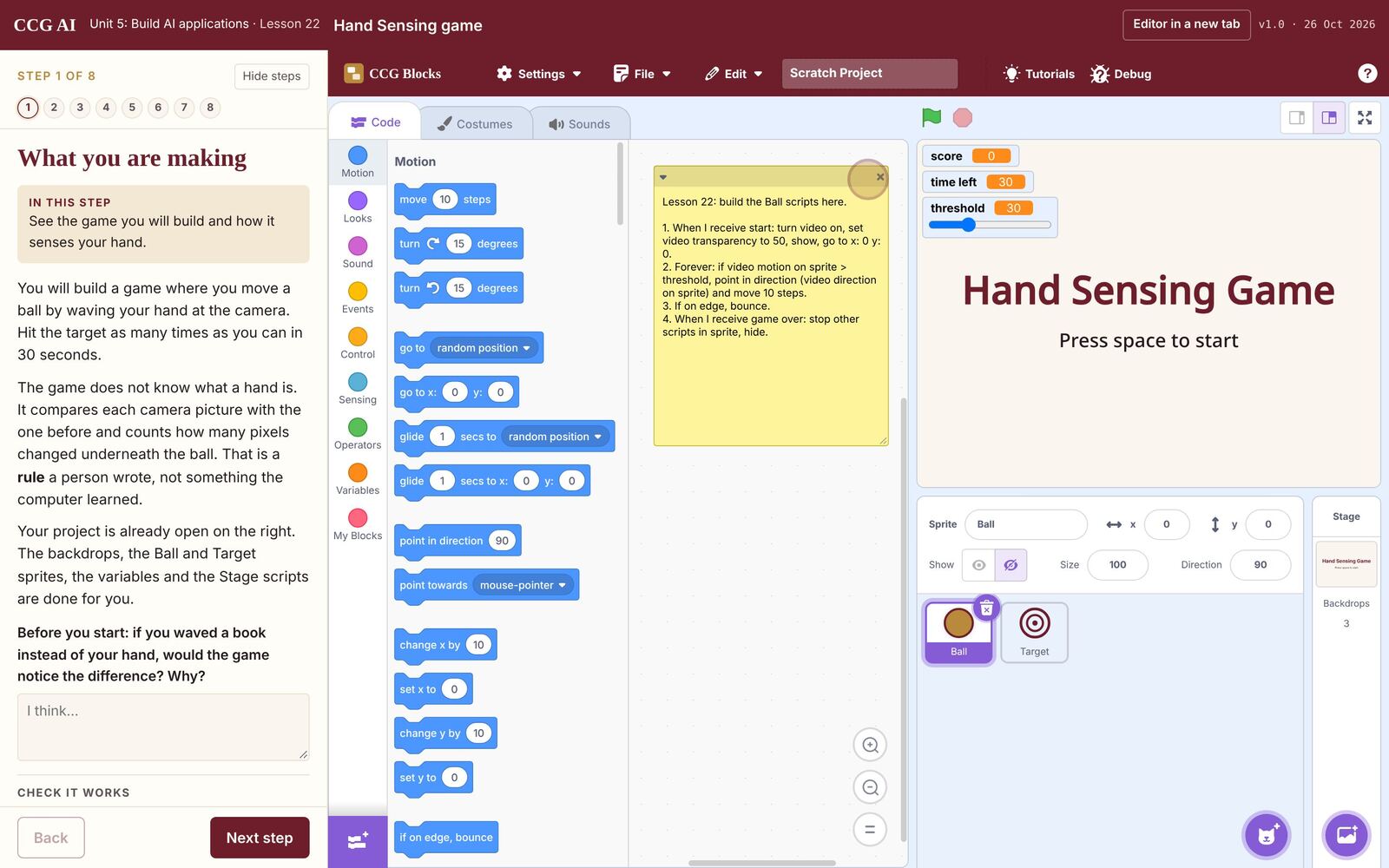
Unit 5 · Years 7 to 9
Build AI applications
Students train a model, then build a motion game, a sound mixer and a sign recogniser with it in CCG Blocks.
For school leaders
Every class, on one page.
Which lessons each class has had, who teaches it, and how far students have got.
Example school
1A Kestrels14 of 29 taught
1B Owls11 of 29 taught
2C Falcons17 of 29 taught
8K Unit 5Students 62% through
Privacy
Built for children's data.
No student email addresses or dates of birth. Camera activities run on the device, and nothing is used for advertising.
For the teachers who teach it
Every lesson, planned.
Teacher guides with timings for each lesson, printables, complete projects and set-up guidance.
Open the teacher guides ›For schools
One licence, every class.
Teacher guides, classroom materials and a record of what each class has covered.
Talk to CCG about a licence ›